Showing posts with label mummy tip. Show all posts

Tuesday, 9 September 2014

A thrifty local find: The Little Clothes Shop, Croydon

I do love a bargain and having a baby has really brought that side out of me (as you may have already picked up on reading this blog...). I was pleasantly surprised to stumble across a lovely second-hand children's clothes shop on a local walk recently. My husband and I ventured in to have a glance and well... you can guess what happened... ten minutes later we came out with a bag full ..

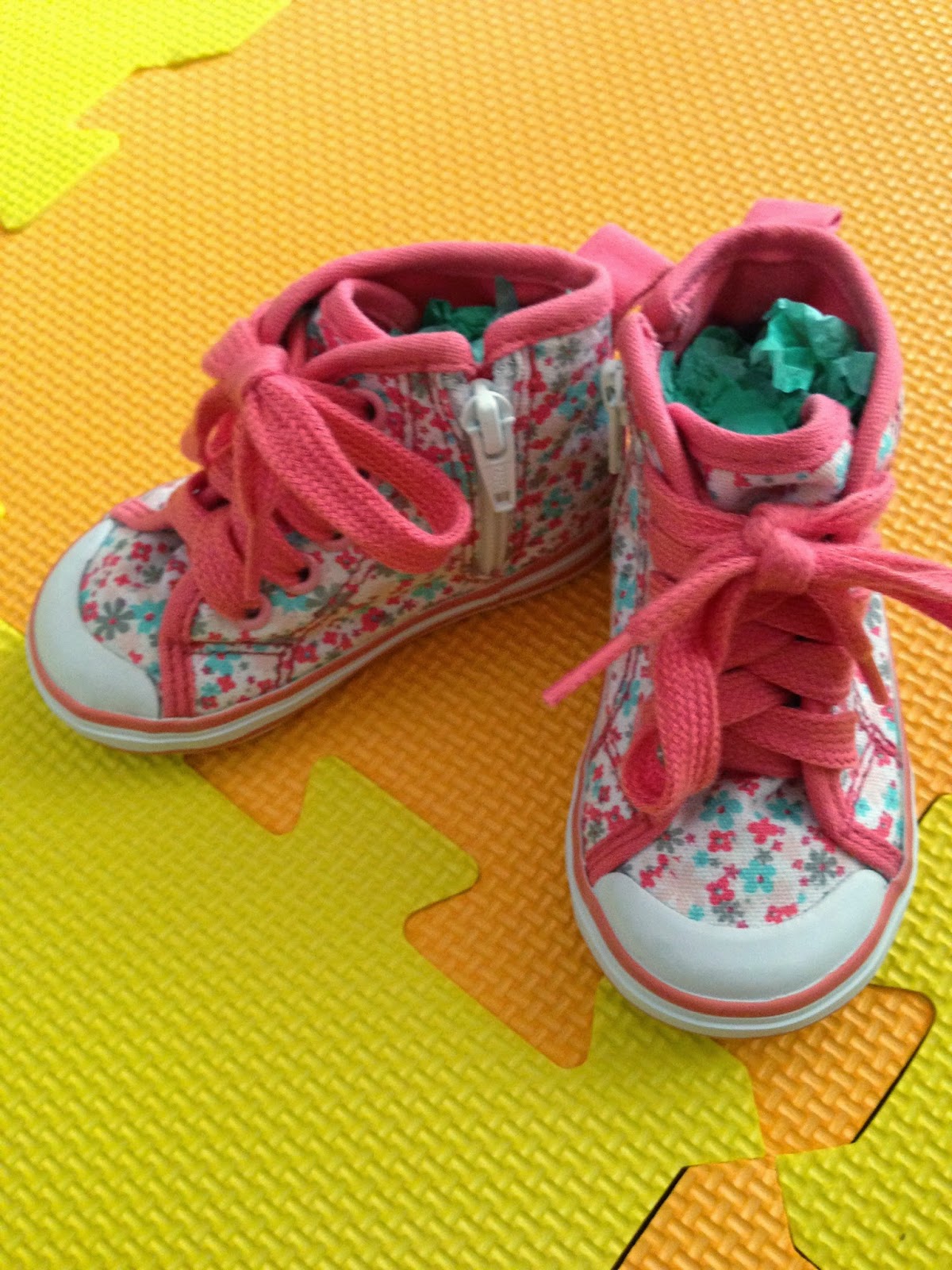
The Little Clothes Shop  sells second- hand clothes from children from 0-5 years. What makes this shop such a great find is that the clothes have hardly been worn and are in really good condition (some items are in fact brand new with original tags) and you can buy them for really reasonable prices (we spent around £20 and picked up six items). The shop has a boutique feel about it and the staff are really helpful.


A fab pair of Zara shoes for just £3!

In a town like Croydon where our high street is full of chain shops it's so refreshing to find an independent shop like this which is aimed at parents. 
This will definitely be a regular stop on my afternoon walks now. The weekly-updated window displays will no doubt catch my eye across the road and invite me in...


<a href="http://www.bloglovin.com/blog/12509739/?claim=m444f77ac6d">Follow my blog with Bloglovin</a>

Sunday, 6 July 2014

Mummy Tip #1- Iphone Reading List

Many a time I have found an article or blog online, started to read it and then my attention has been needed elsewhere and I've lost or forgotten what I was reading to start with. Well... not anymore! 

This week I made a discovery, the iPhone reading list function. Perhaps everyone already knows how to do this, but for those of you who like me haven't worked this one yet out, here's how you could make your web browsing slightly easier. The reading list option on the iPhone means you can send the web page to a list in Safari that makes it available offline. Quite simple really but perfect for when you need something to keep you awake during the night feed or have found yourself trapped by a sleeping baby on the sofa!

Here's how:

Step 1: Open Safari, click on the Send To icon (third icon in) on the page you want to keep.


Step 2: Select 'Add to Reading List'.


Step 3: Open the Safari Browser and choose the Bookmark icon and then the Reading List icon (the glasses) to find your saved articles.


Happy Reading!

Image and video hosting by TinyPic